eXtremeRate
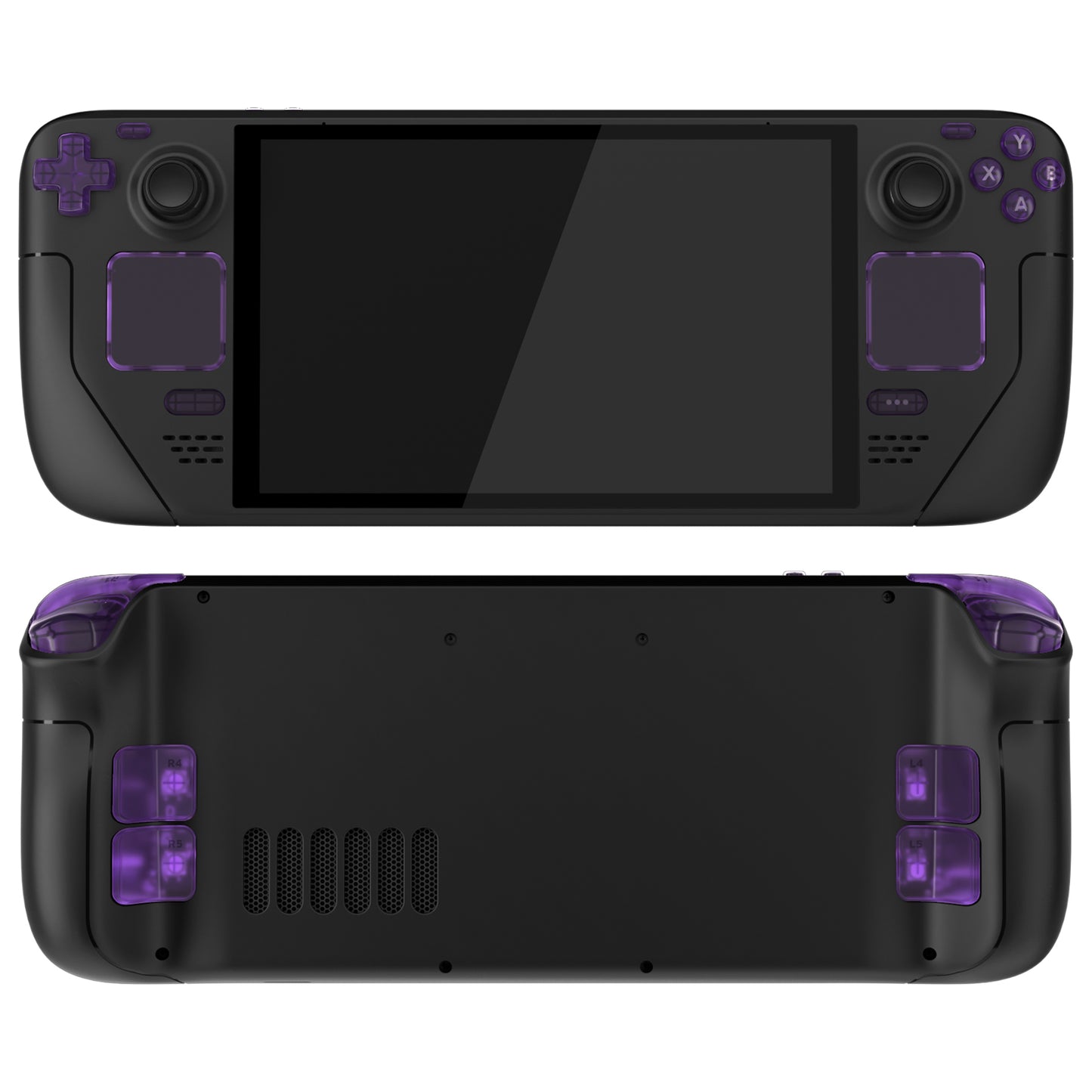
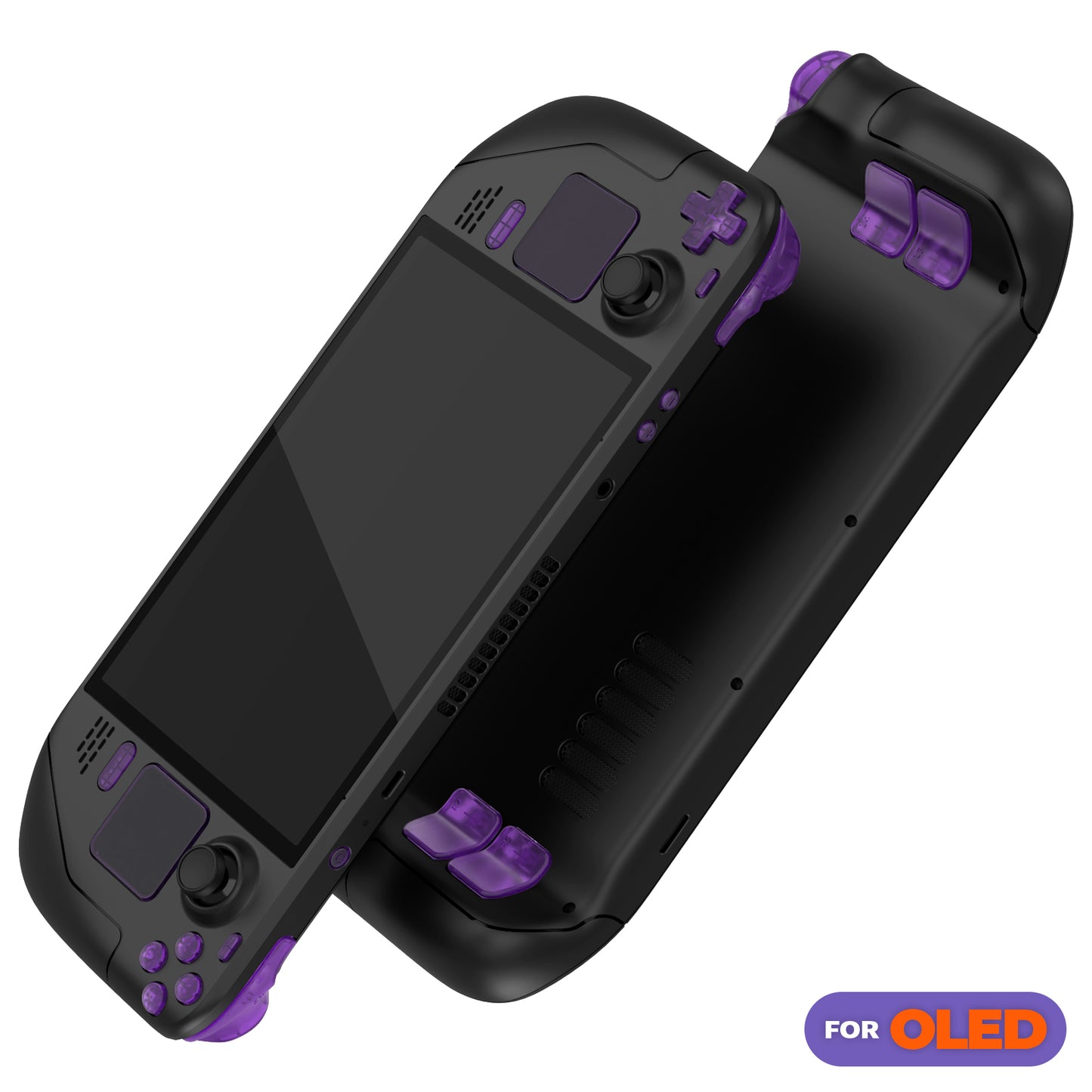
eXtremeRate Steam Deck OLED Handheld Console Replacement Full Set Button (Clear Purple)
eXtremeRate Steam Deck OLED Handheld Console Replacement Full Set Button (Clear Purple)
SKU:JQCSLM001
Couldn't load pickup availability
Want your handheld console to stand out from the rest?
We have the perfect item for you!
A great customization option for DIY enthusiasts with steam deck oled handheld consoles.
Please read before purchasing:
1. Specially designed full button set is only for Steam Deck OLED handheld game console, NOT compatible with Steam Deck LCD (2022) handheld console (Please note: L4L5 and R4R5 back buttons are only for eXtremeRate back shell, NOT compatible with official backplates and other third-party consoles).
2.This is a full set buttons for steam deck oled,no electronic parts included.Console,shell,thumbsticks and other parts are not included.
3. Replacing the original buttons with eXtremeRate accessories requires disassembly of the console, which requires advanced working skills, but no soldering is required.
4. Search "eXtremeRate Full Set Buttons for steam deck oled" on YouTube to watch the installation video guide.
Product Features:
1.Ideal replacement for your broken or unresponsive buttons, works just like the original buttons.
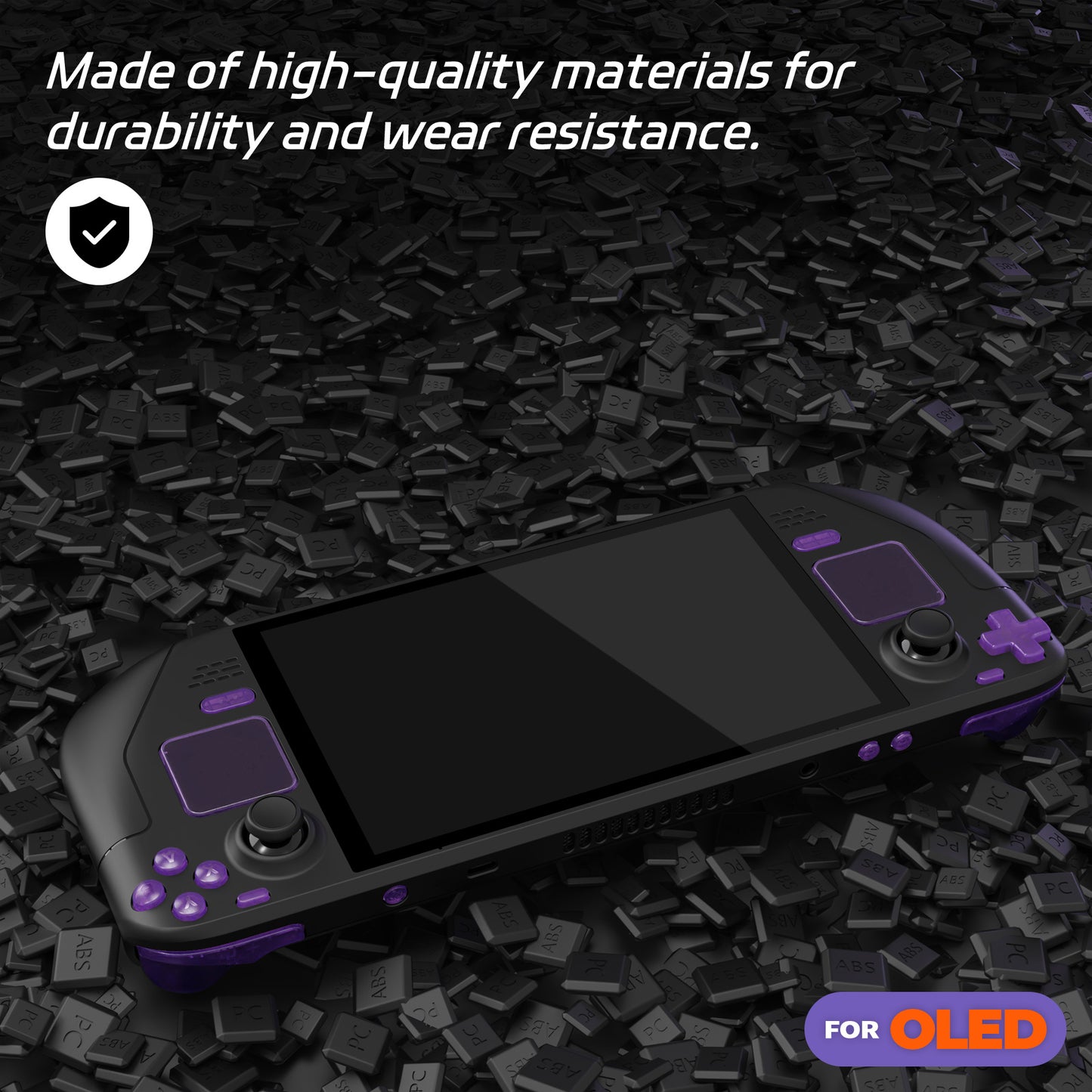
2. Made of high quality ABS and PC plastic, durable and practical.
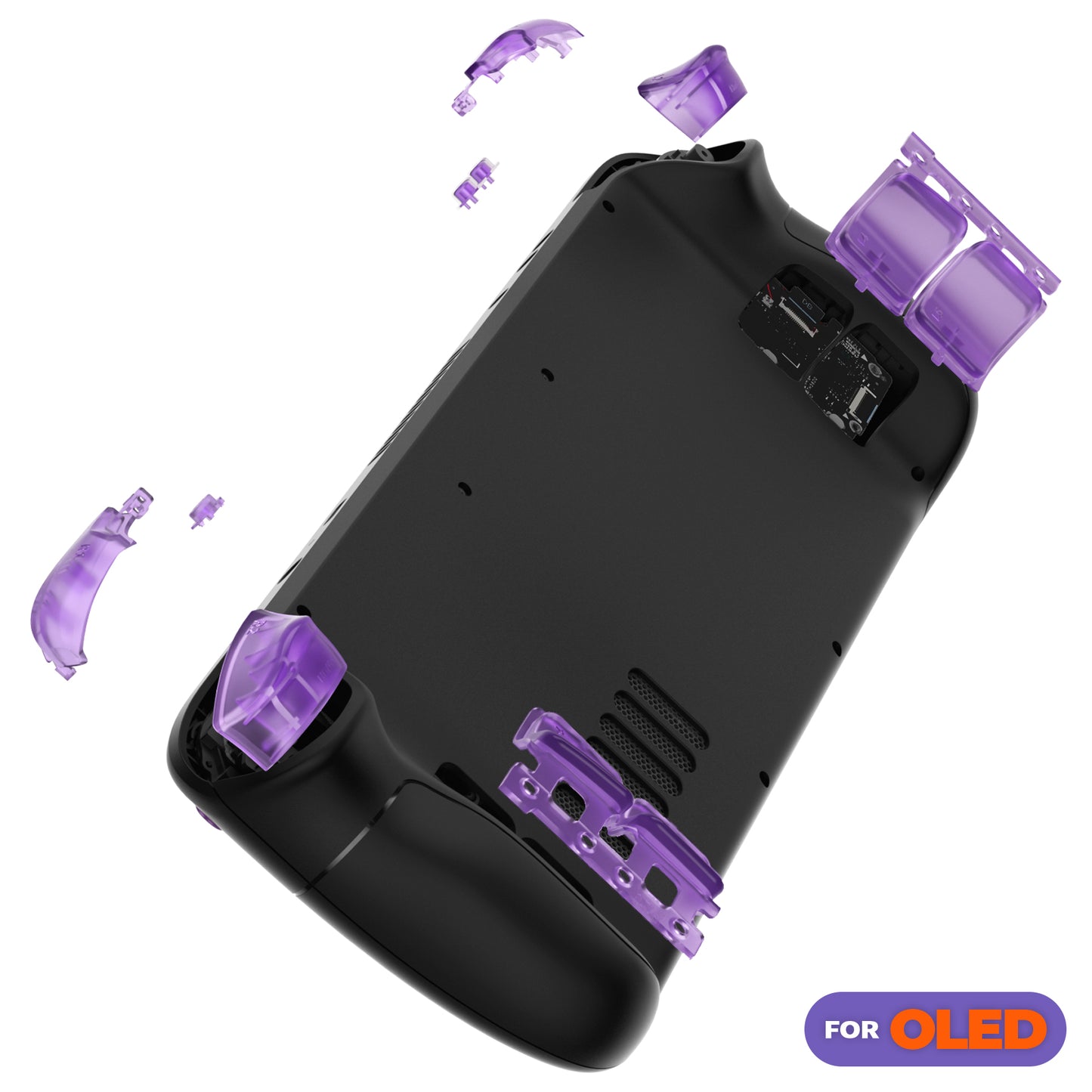
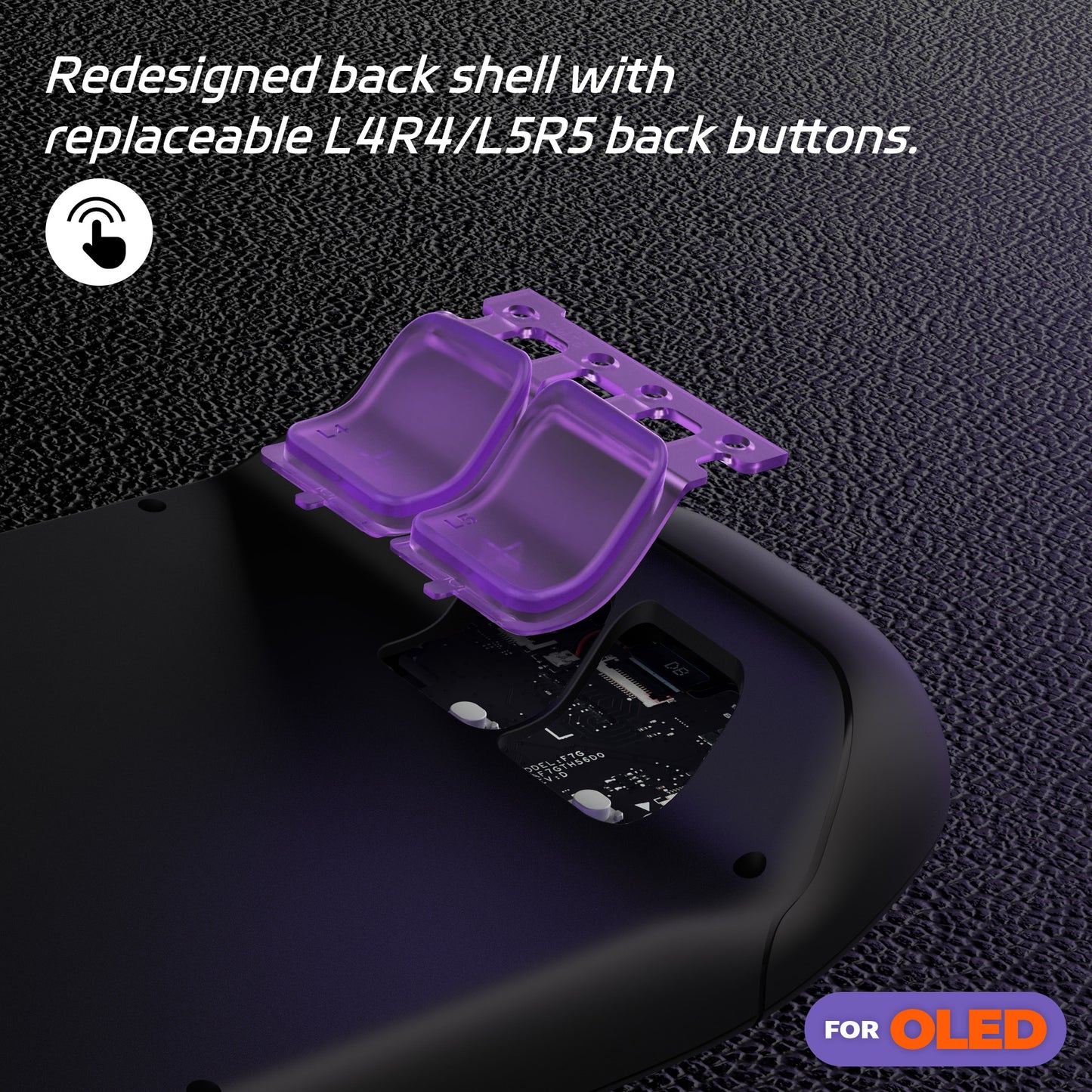
3. Detachable L4L5 and R4R5 button design makes it easier to replace the back buttons.
4. Upgrade your existing handheld console and take it to a unique and stylish level.
5. Choose from a variety of colors to personalize your handheld console.
Package Contents:
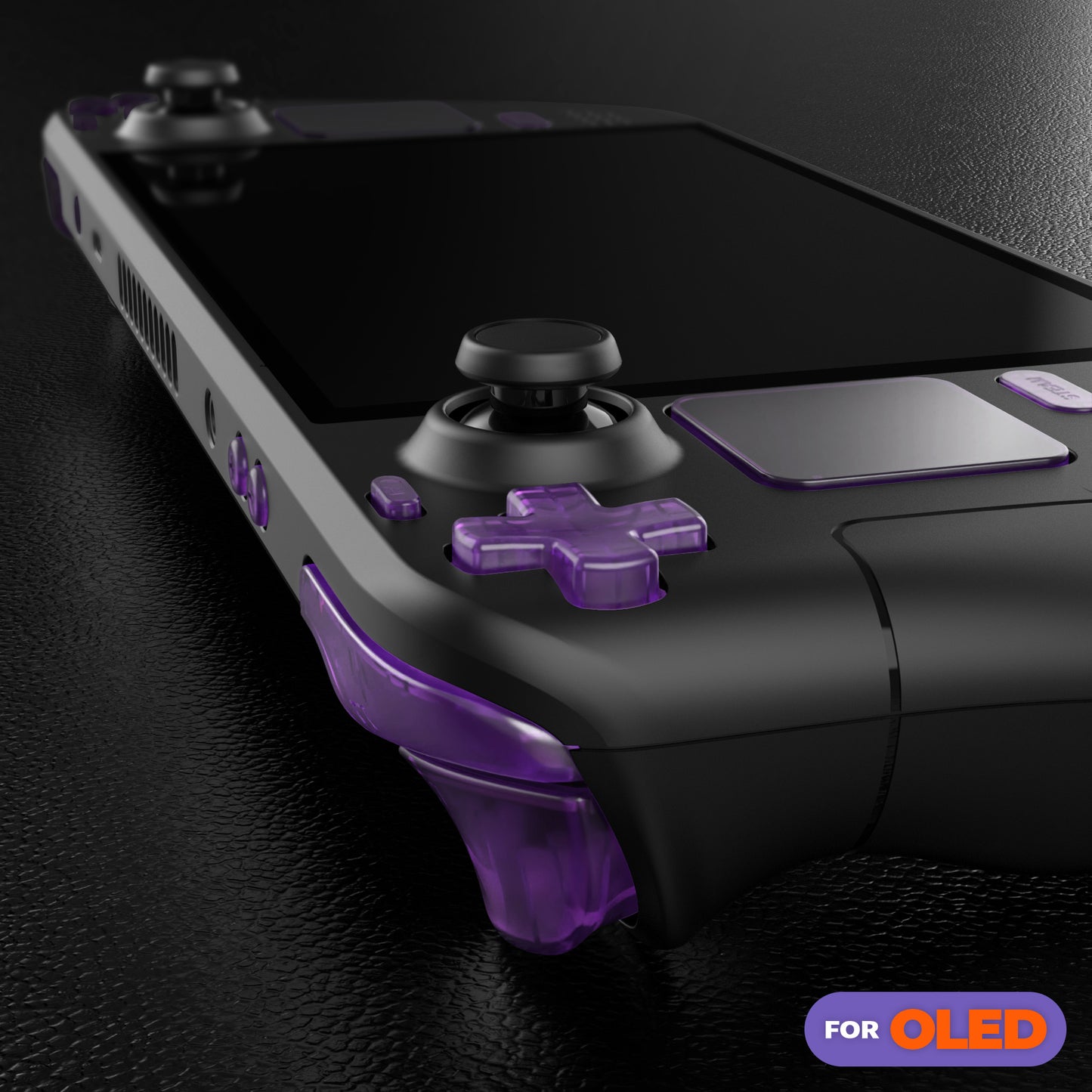
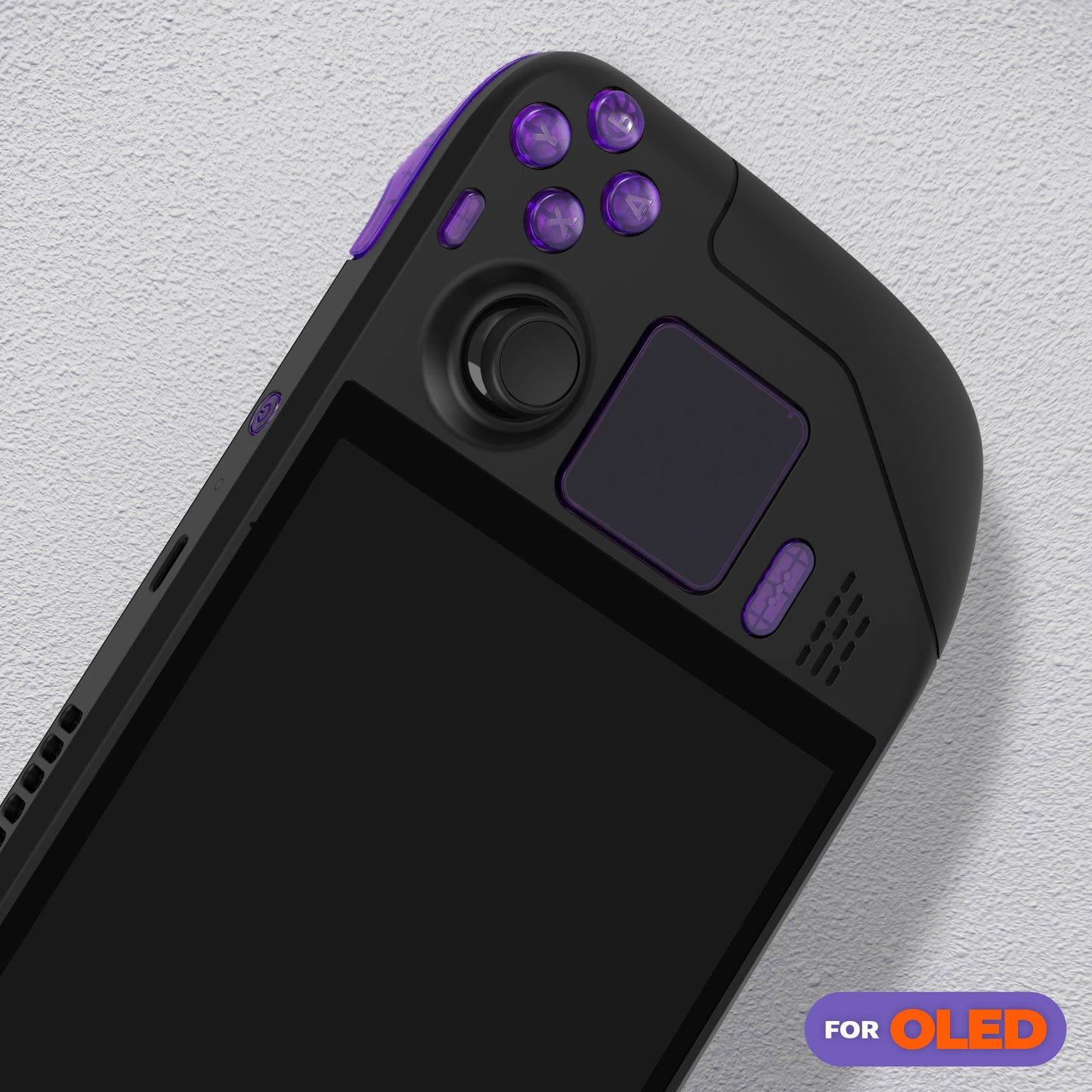
A/B/X/Y buttons *1
Cross key *1
Trackpad *2
View/Menu button *1
Steam button *1
Power/Volume button *1
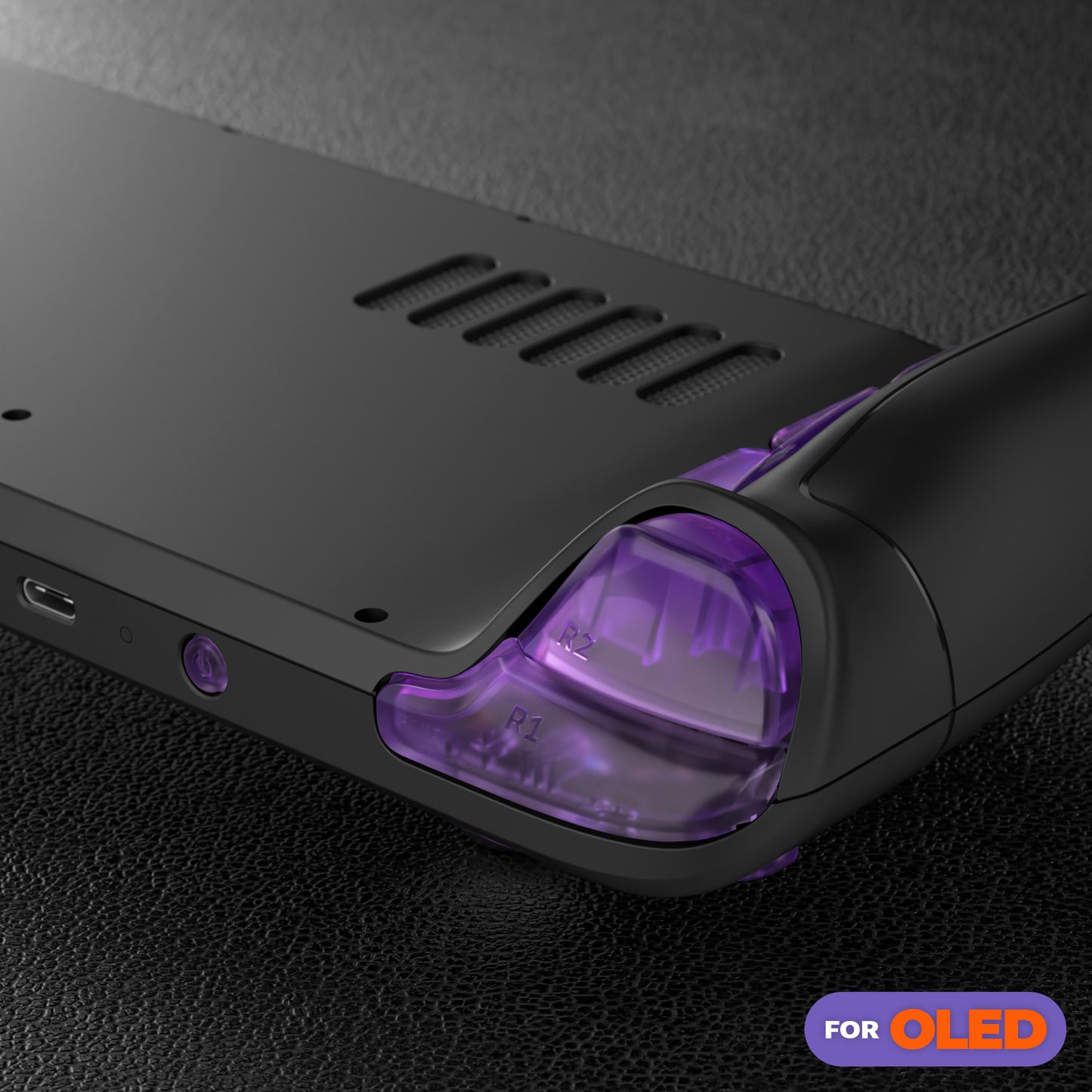
L1 L2/R1 R2 bumper trigger buttons *1
L4 L5/R4 R5 assignable grip buttons (for eXtremeRate backplate only) *1
Screwdriver *2
Open shell tool *1
Screws *91
Spring *8
Note: Electronic components, console, thumbsticks, shell and other parts are not included!
Installation Tips:
1. Installation difficulty: High
2. Duration: 1 hour or more
3. Patience required: High
4. Go slowly. Check all connections and keep screws and internal parts organized.
5. Watch the installation video guide on YouTube, pausing and rewinding as needed.
6. When reassembling the console, be careful not to overtighten the screws. You don't want to strip the threads or overtighten the screws.
7. The device has several very delicate ribbon cables that will need to be disconnected and reconnected.
8. We recommend using tweezers instead of your fingers when moving small parts.
9.Please carefully use a heat gun or hair dryer to remove the touch screen before installing the power and volume buttons.
10. Be careful not to use too much heat from the heat gun. Use a gentle, warm airflow to heat the edges of the screen evenly.
11.Do not forcefully lift the screen, and when using an open tool to remove the screen, make sure the distance is within 3mm to avoid damage.
Precautions before installation:
1. Make sure the battery power is below 25%. A charged lithium-ion polymer battery can be dangerous if accidentally damaged.
2. Before installation, please remove the microSD card to avoid damaging the back cover.
3. Please note that once you replace the trackpad cover, the original trackpad cannot be restored.
There are many types and numbers of screws, so we recommend that you separate and organize the removed screws as much as possible to make reassembly easier later.